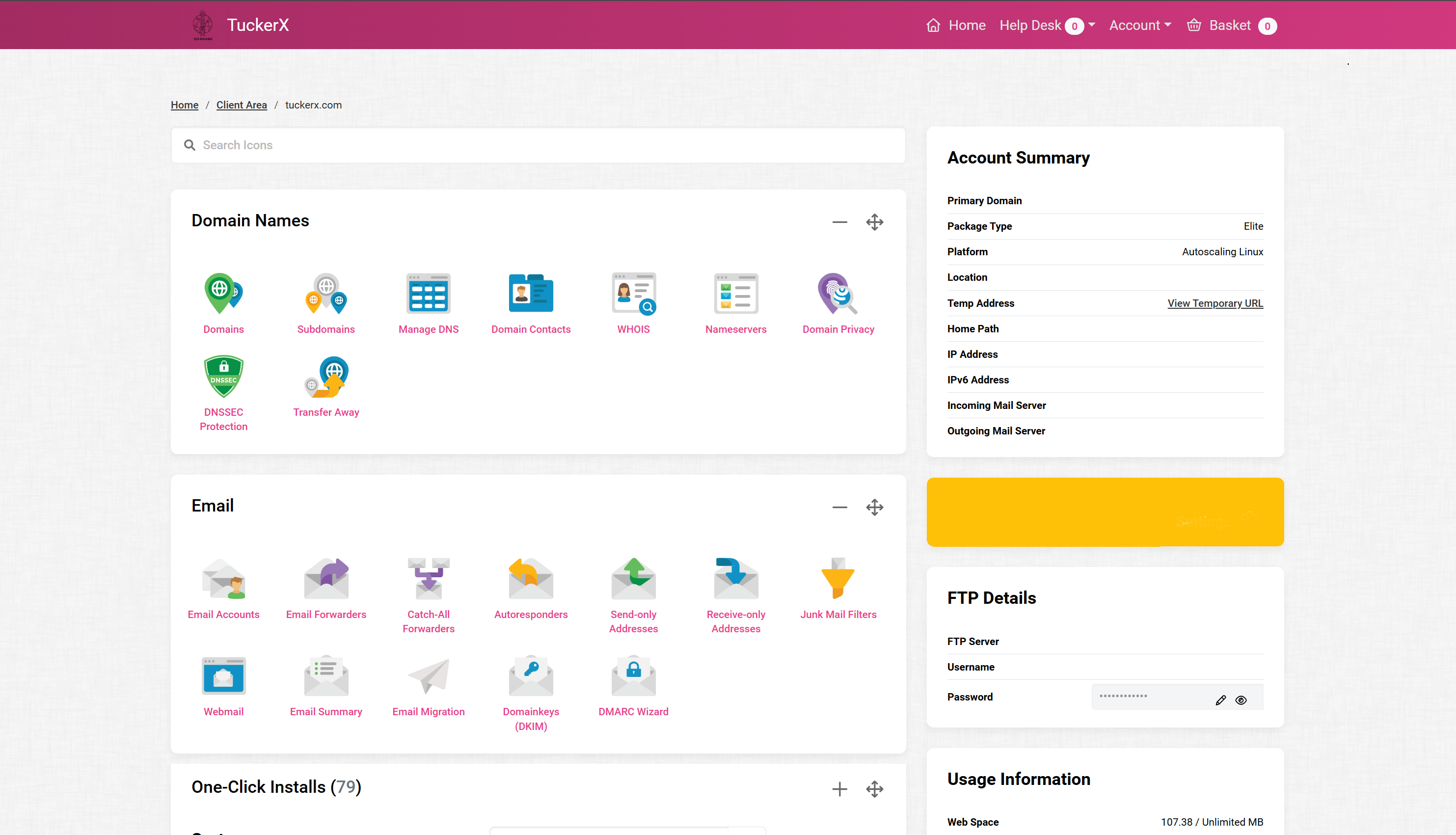
TuckerX Web Hosting Control Panel
Web Hosting Software
Professional Websites Made Simple
Guide to Accessing Tucker X Control Panel
-
Quick Tool Download:✓ SetMe Client
-
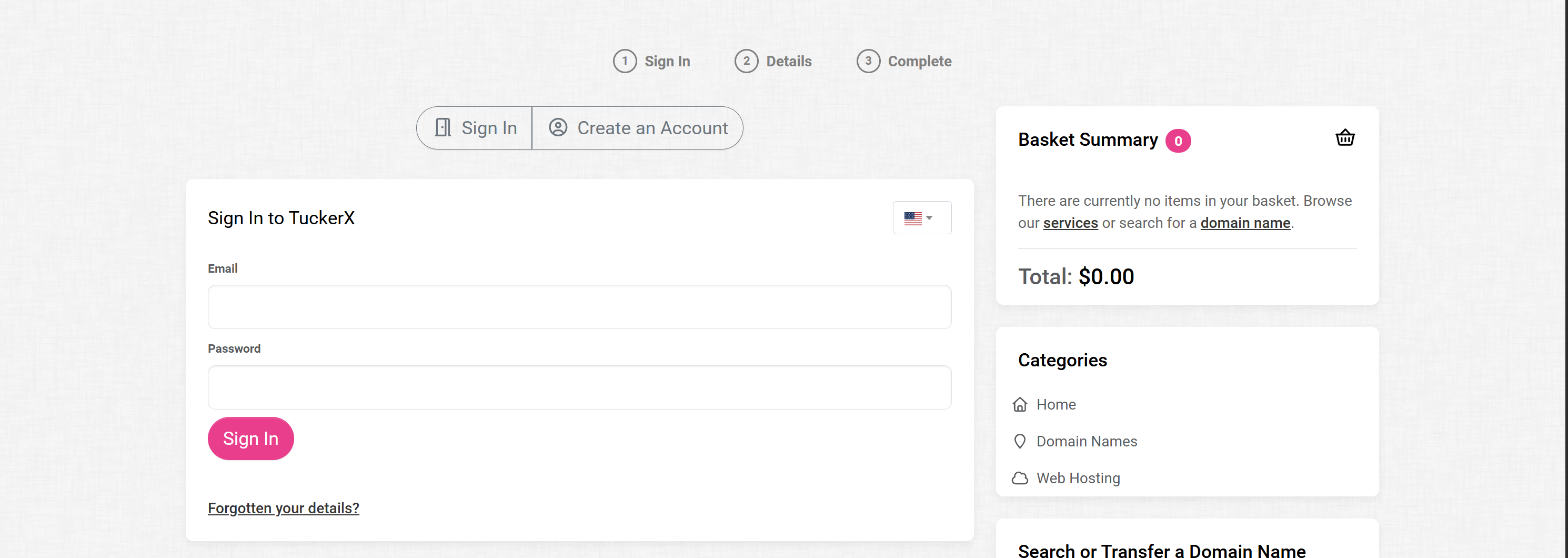
Step 1: Go to the Tucker X Control Panel login page.
-
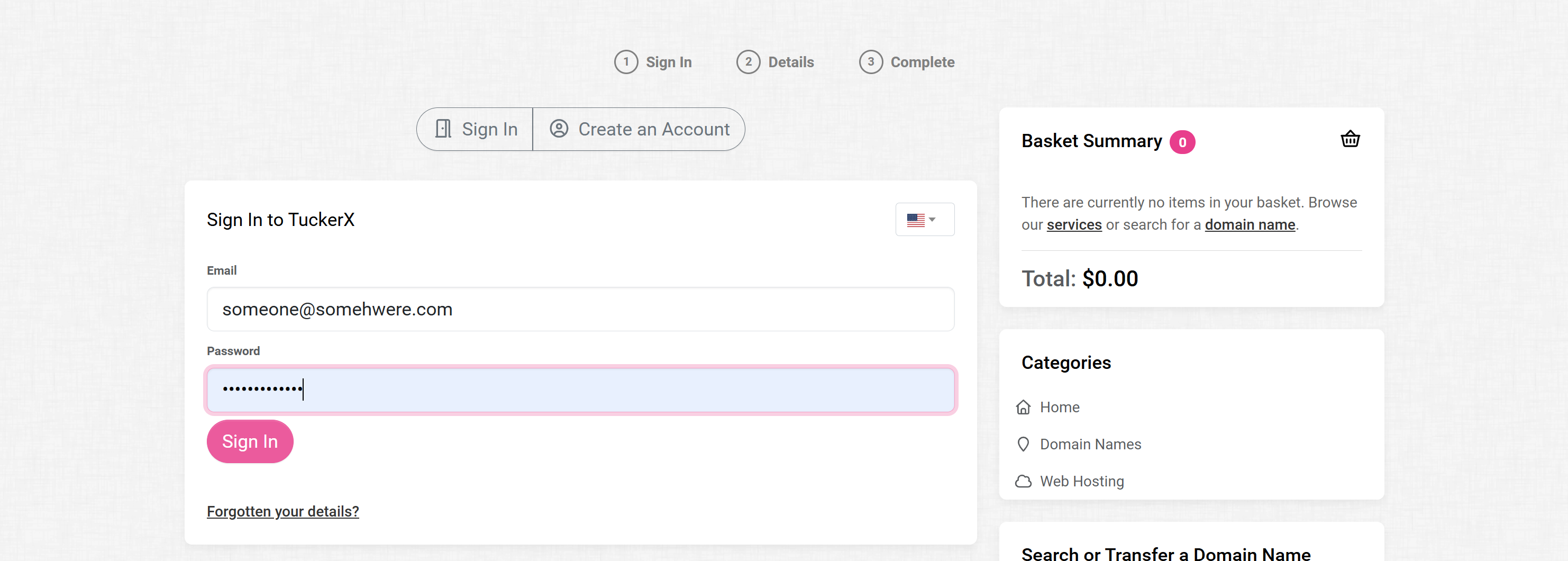
Step 2: Enter your email address and password, then click "Sign In".
-
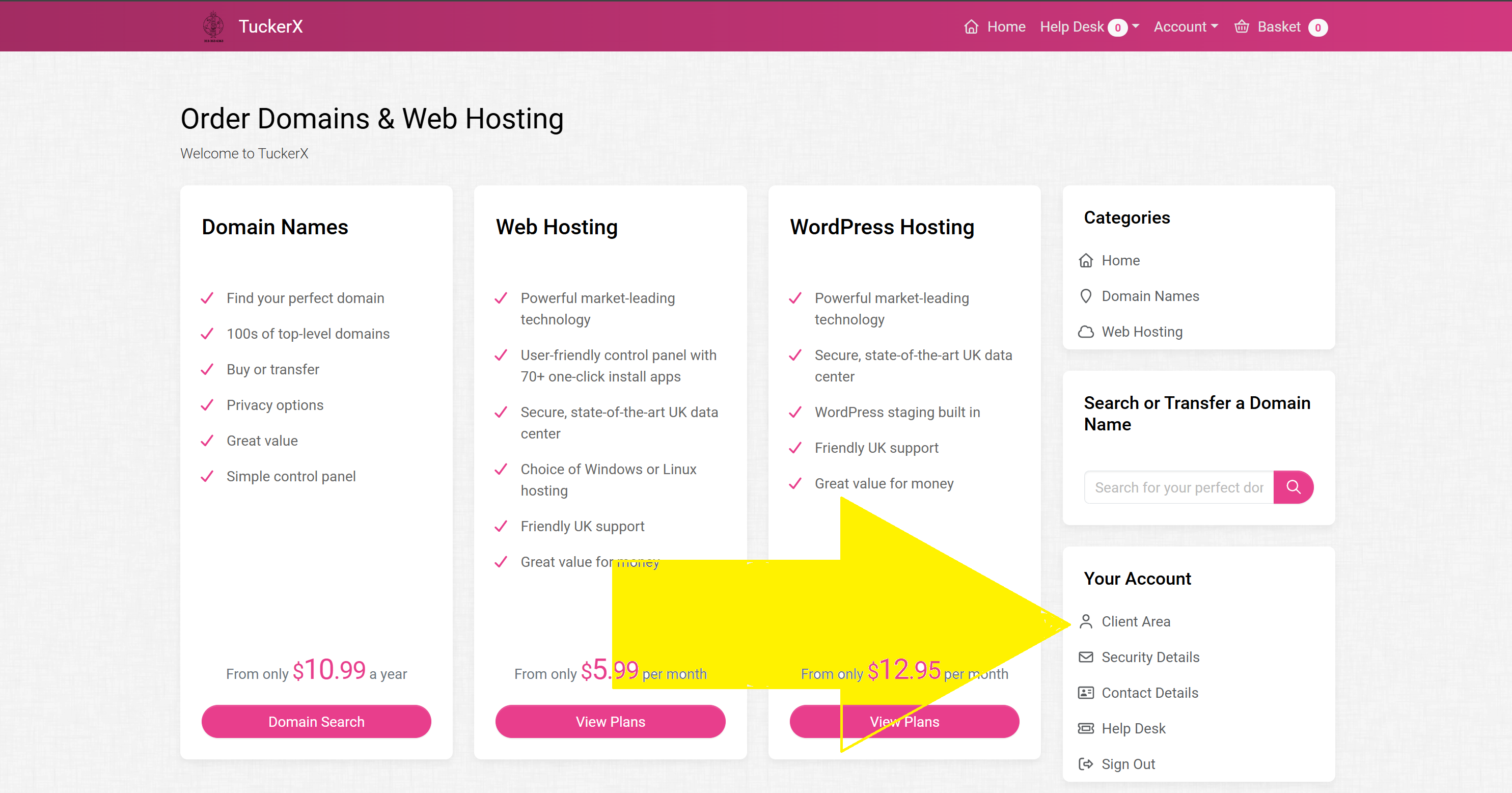
Step 3: On the right-hand side, under "Your Account", go to "Client Area".
-
Step 4: On the right-hand side, go to "Package Select" and pick your site out of the dropdown.

-
Final Review: TuckerX Control Panel!